Vitral 0.2

Skylark Air

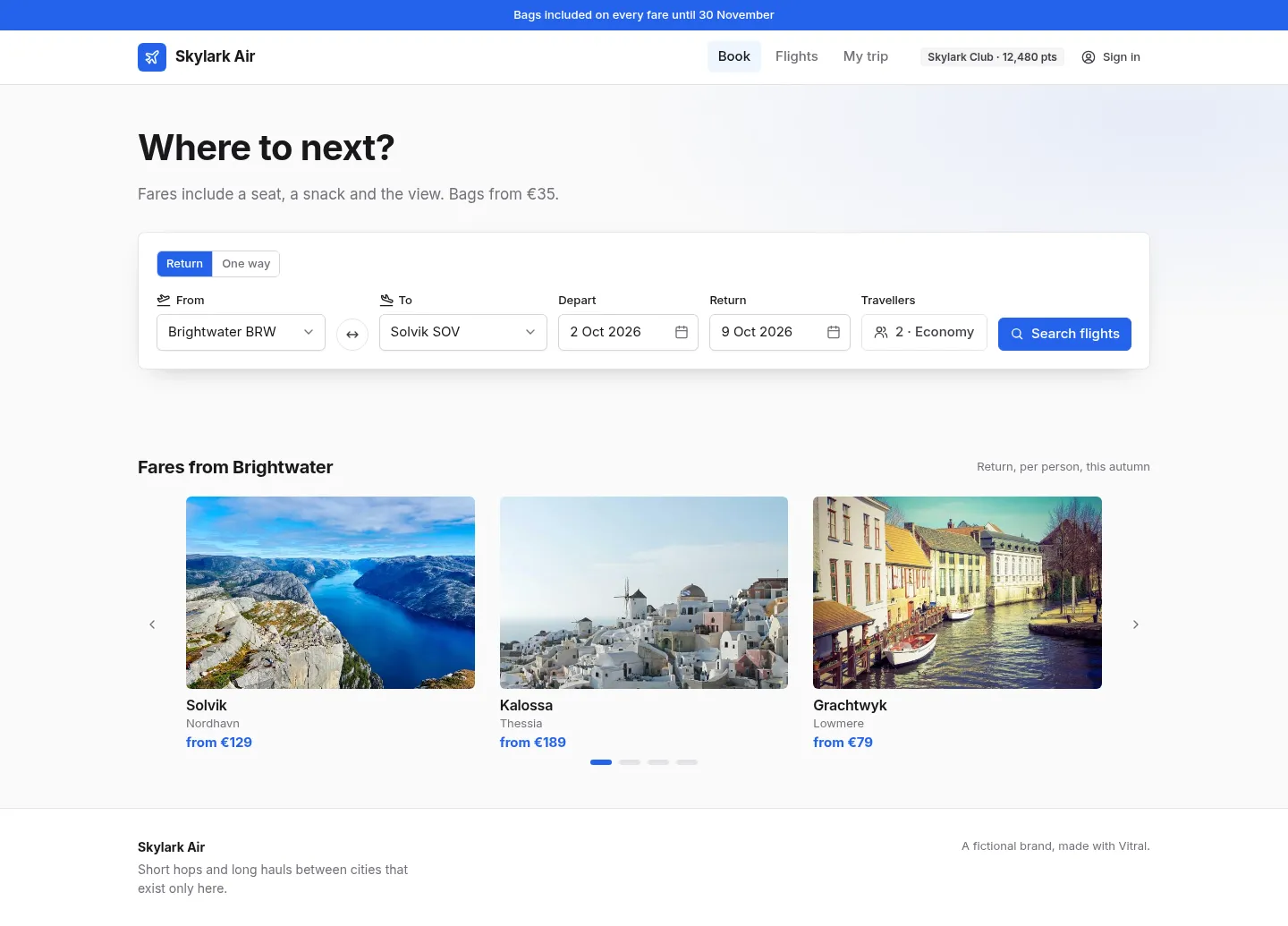
An airline’s booking journey from the first search to the booking reference. Pick a route, dates and travellers, compare flights on a date strip with filters, choose seats on a cabin map with extras, then review the itinerary and pay with a one-time code.

BookingTravelCheckout

Screens

  1. 2

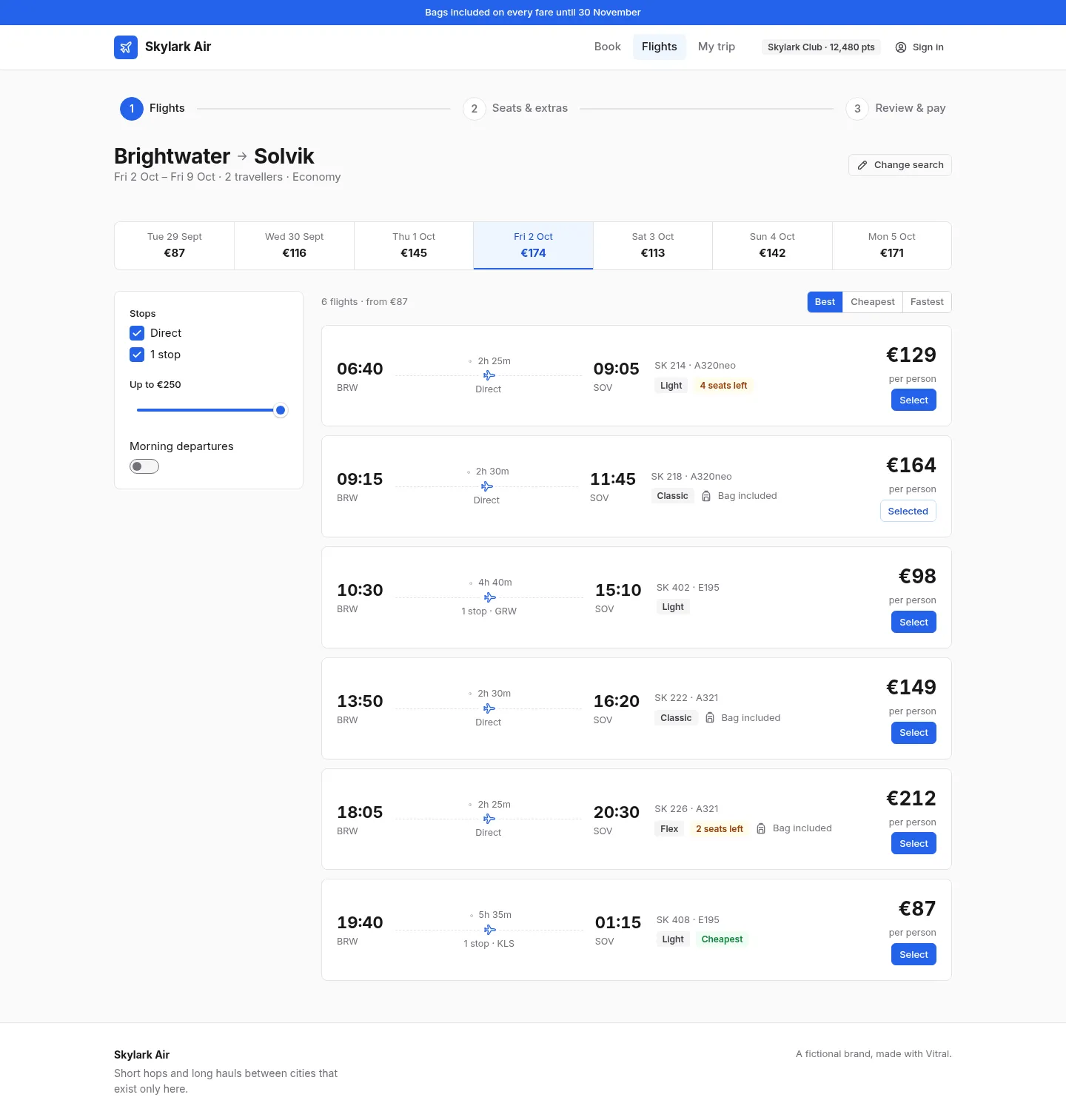
    Flights

    A date strip, filters and flight cards

    Open live
    Skylark Air: the Flights screen
  2. 3

    Seats

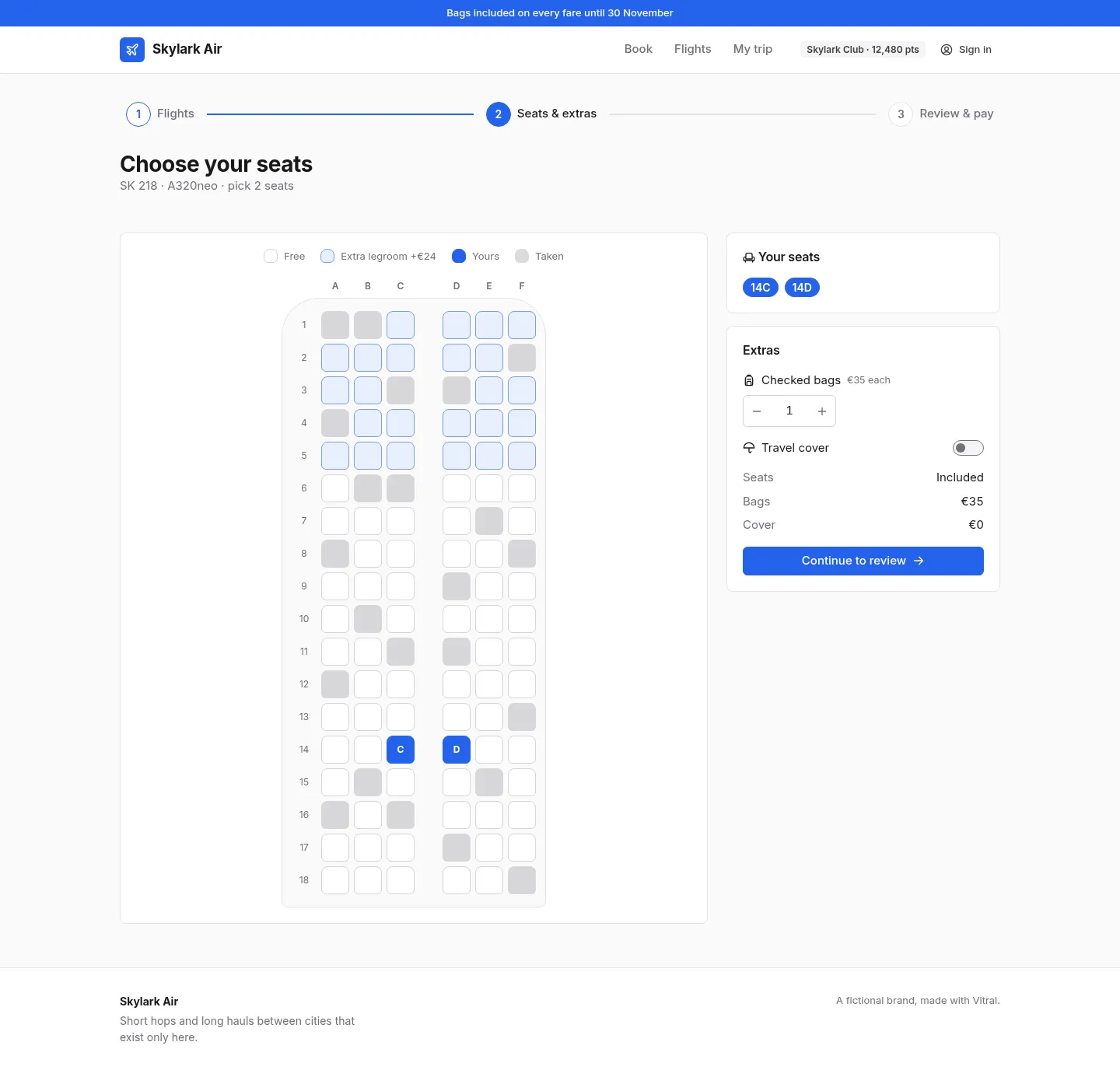
    A seat map, bags and cover

    Open live
    Skylark Air: the Seats screen
  3. 4

    Summary

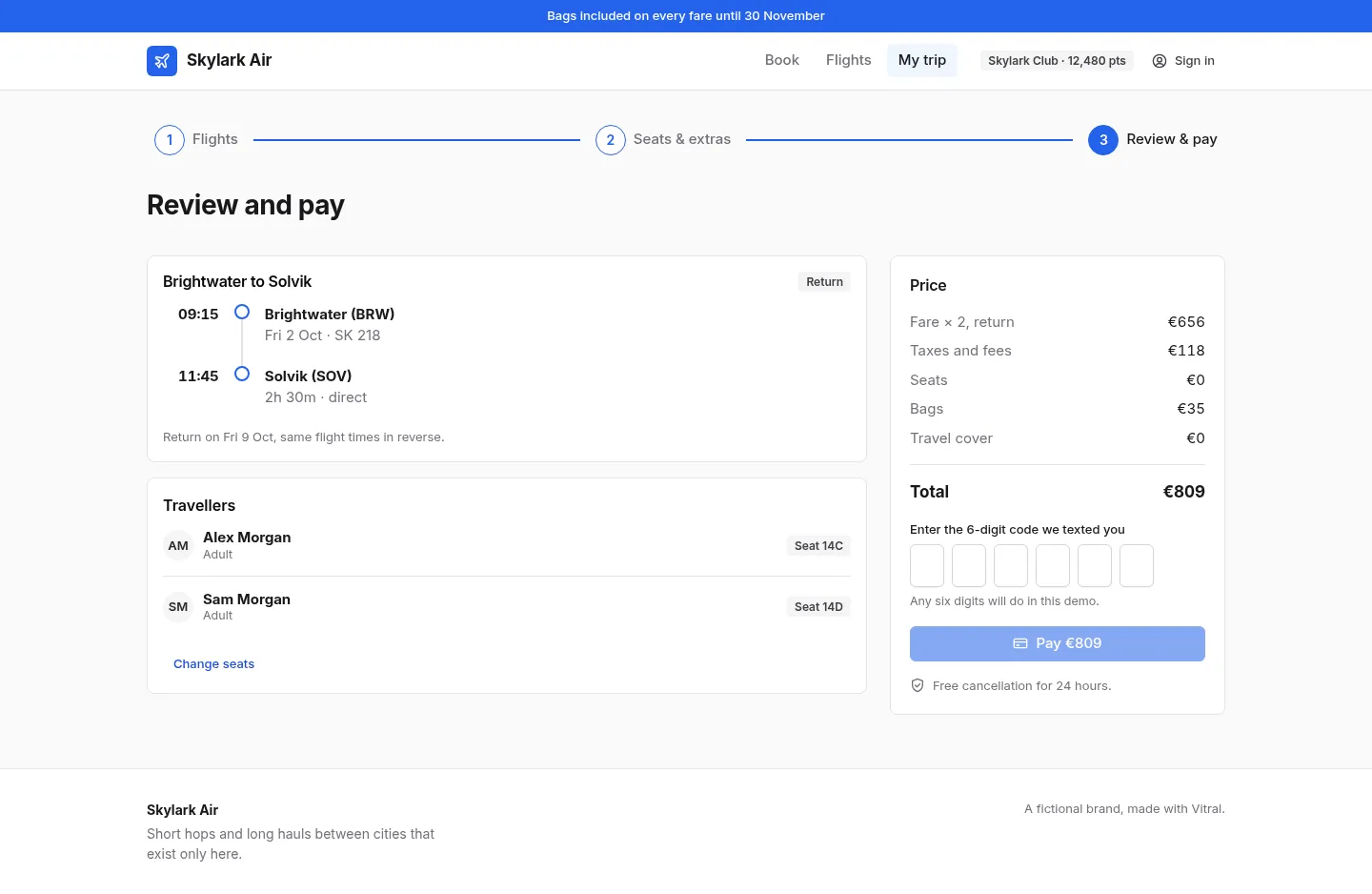
    Itinerary, price breakdown and a verified payment

    Open live
    Skylark Air: the Summary screen

What's inside

4 screens and 19 components, wired together with shared state and local navigation.

Features

  • A search form with filtered city pickers, date pickers and a travellers popover
  • A price strip for nearby days, filters and sortable flight cards
  • An accessible seat map: every seat a toggle button with its row, position and state
  • Bags and travel cover with a running total
  • A review with an itinerary timeline and a one-time-code payment

Screens

Questions

About Skylark Air, and about templates in general.

Yes. Seats are buttons grouped by row, named like “Seat 14C, aisle”, with aria-pressed for the ones you hold and disabled for taken ones.