What's inside
3 screens and 13 components, wired together with shared state and local navigation.
Features
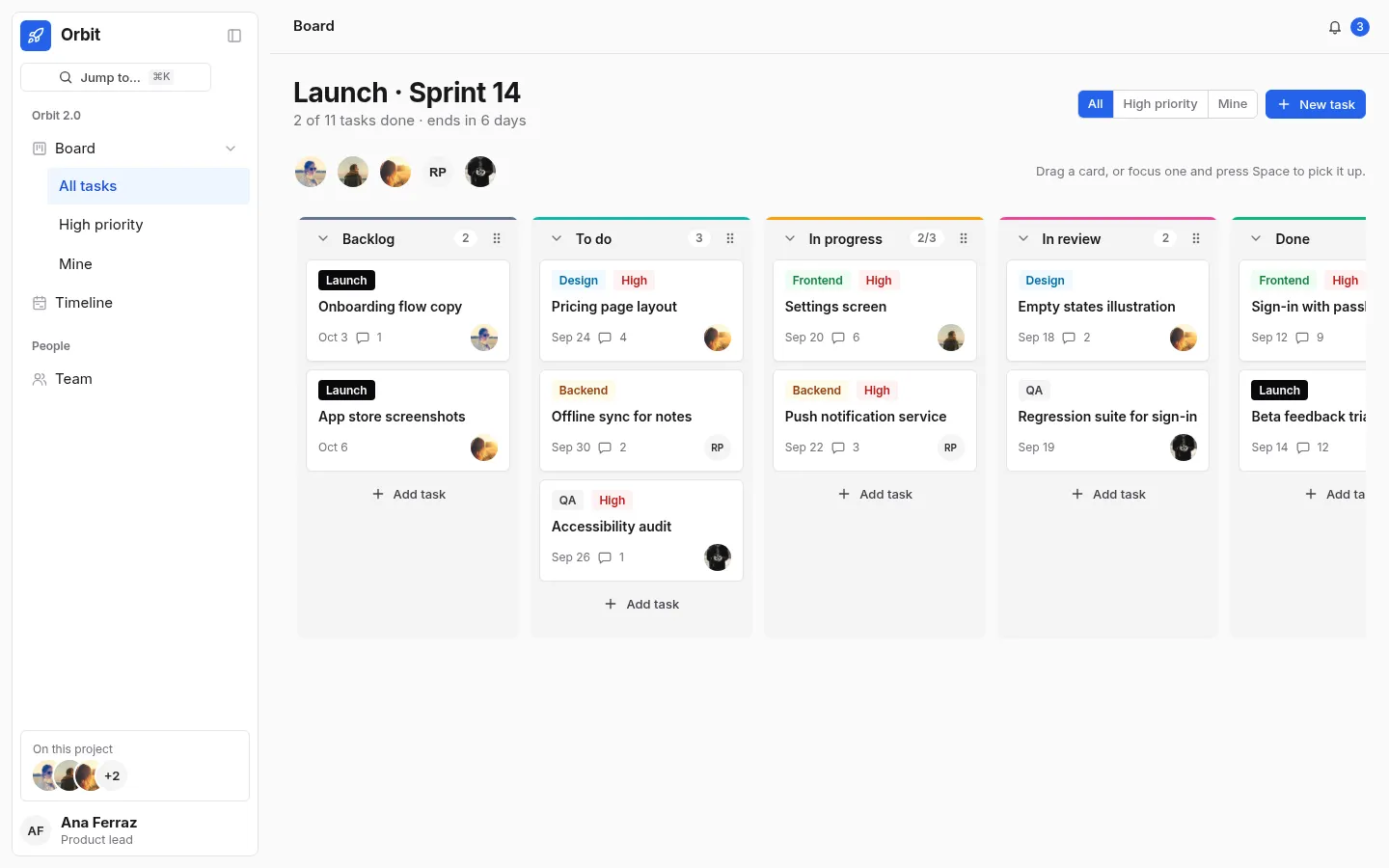
- A Taskboard with WIP limits, drag and drop, and full keyboard moves
- Filters by person and priority that keep hidden cards in place
- A new-task dialog from the toolbar or any column
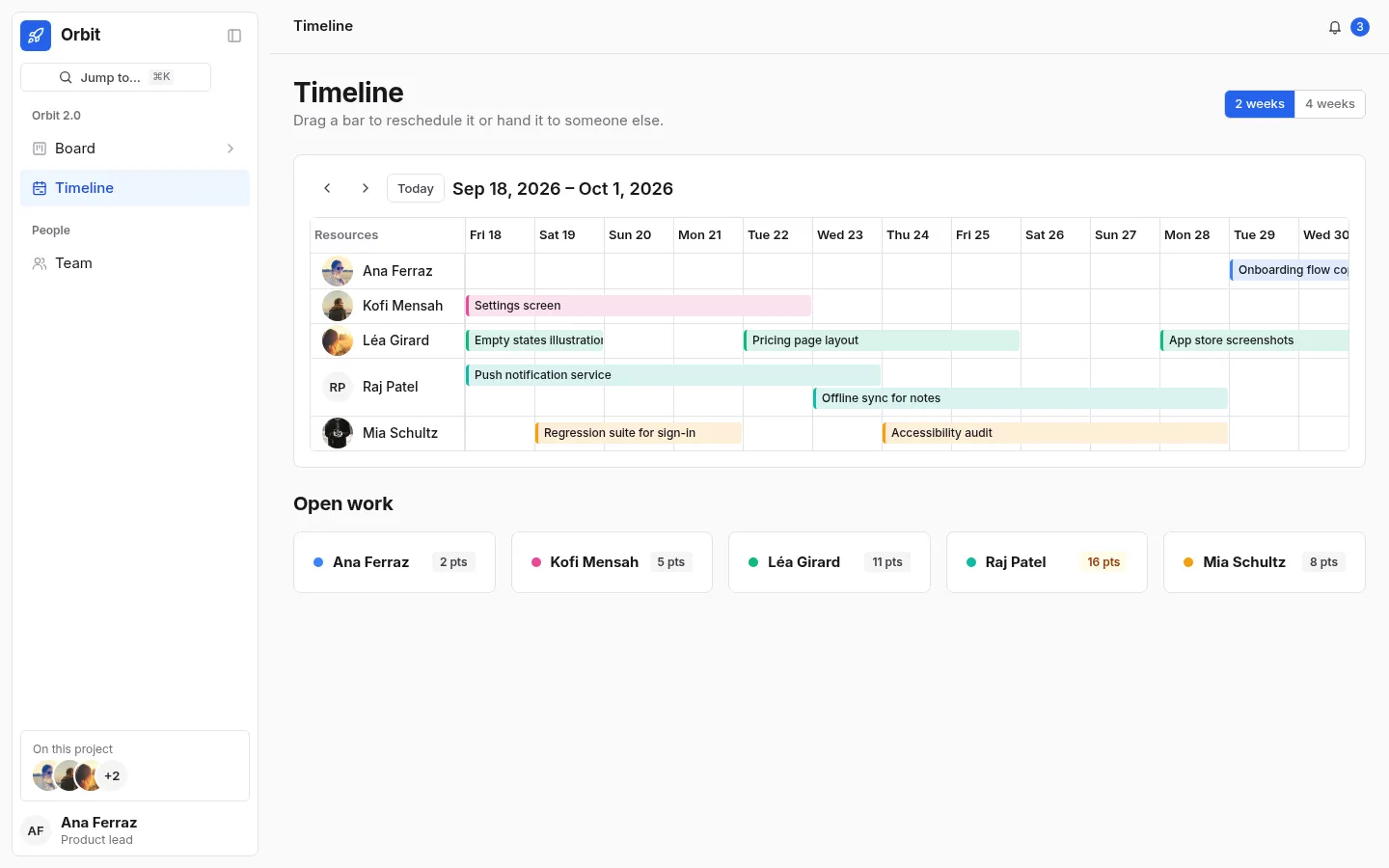
- A resource timeline in Schedule: drag a bar to move it or reassign it
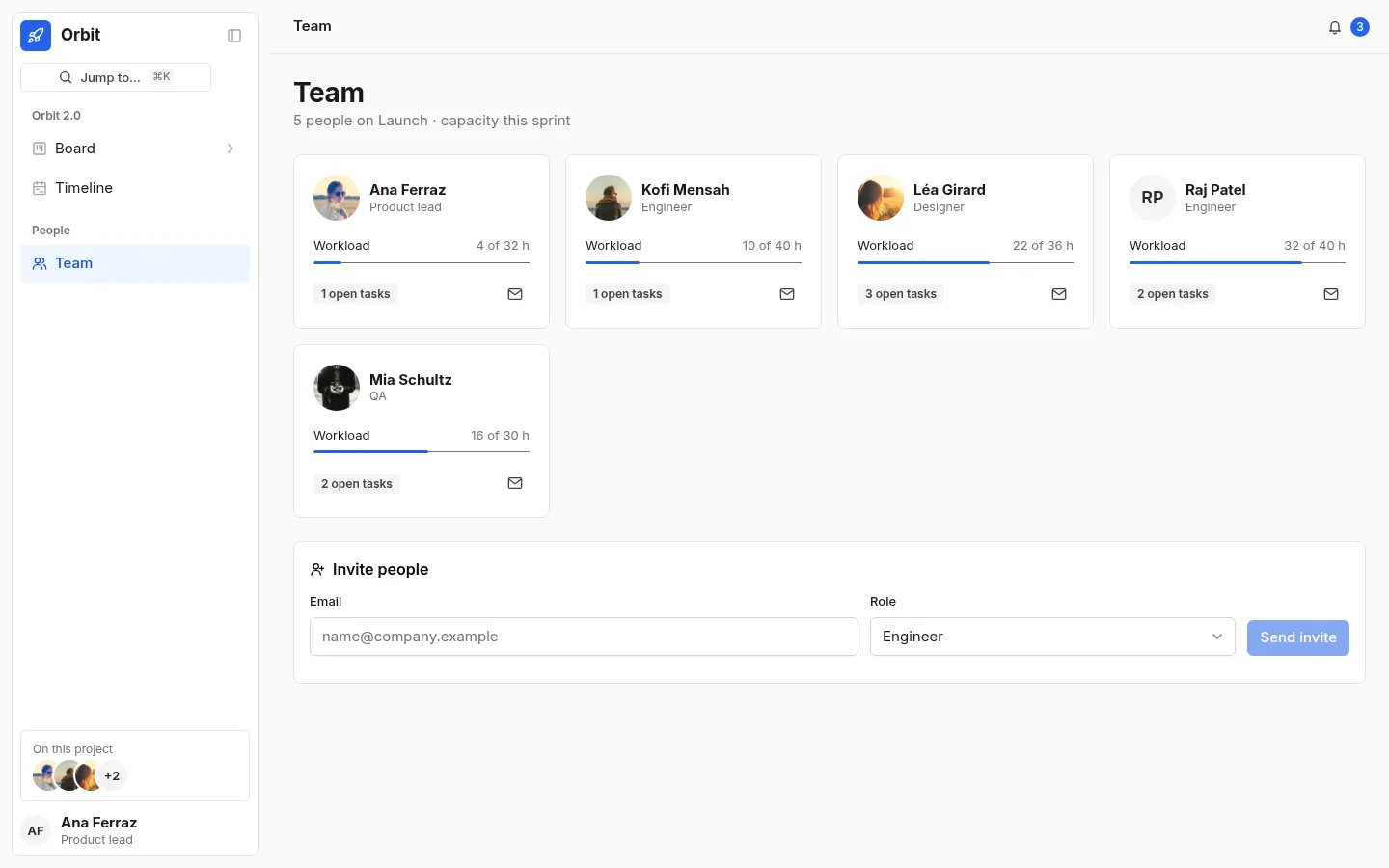
- Team cards with workload bars and an invite form
- A sidebar that floats off the page, with the board’s three views as a sub-list under it
Screens
Questions
About Orbit, and about templates in general.
Yes. Focus a card, press Space to pick it up, move it with the arrow keys and press Space again; the move is announced.